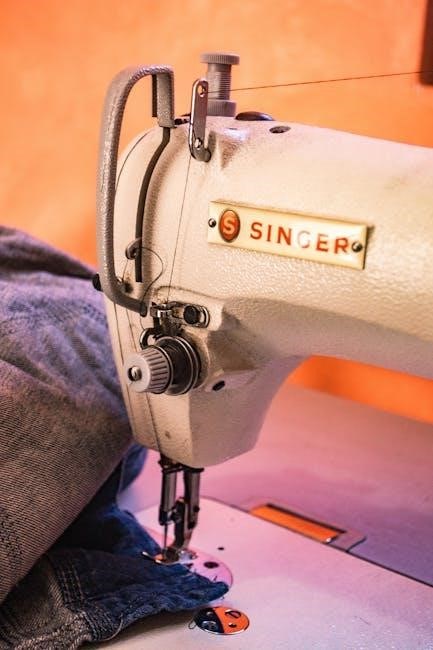
Brother Sewing Machine Owners Manual: A Comprehensive Guide
This manual provides detailed instructions for Brother sewing machines, covering models like XM2701 and BAS series, offering manual downloads and support resources.
Brother sewing machines are renowned for their reliability, versatility, and user-friendly design, catering to both beginners and experienced sewists. This guide serves as a comprehensive resource for Brother machine owners, offering detailed insights into operation and maintenance. From lightweight models like the XM2701, perfect for everyday projects, to robust industrial machines such as the BAS-311 series, Brother provides a machine for every need.
Accessing the Brother Solutions Center unlocks a wealth of information, including downloadable manuals and frequently asked questions. Understanding your machine’s capabilities is key to unlocking its full potential, ensuring years of creative sewing enjoyment.
Understanding Your Machine Model
Brother offers a diverse range of sewing machines, each with unique features. Identifying your specific model – whether it’s a home machine like the XM2701 with its 27 stitches or an industrial model like the BAS-411 – is crucial. Download the corresponding manual from the Brother Solutions Center for precise instructions.
These manuals detail specific functionalities, stitch patterns, and accessory compatibility. Familiarize yourself with your machine’s capabilities to maximize its potential. Knowing your model ensures correct threading, bobbin winding, and optimal performance, leading to successful sewing projects.
Safety Precautions
Always disconnect the power supply before threading, changing the needle, or performing maintenance. Keep fingers away from the needle while the machine is operating. Never use a damaged power cord or plug. Ensure the machine is stable on a flat surface during use.
Do not attempt to repair the machine yourself; contact Brother customer service for assistance. Keep the machine out of reach of children. Avoid sewing over pins or thick materials that could damage the needle. Follow all warnings and instructions outlined in your specific model’s manual.

Machine Components & Their Functions
Explore key parts like the bobbin system, presser foot, and tension controls, understanding their roles in the sewing process for optimal machine performance.
Identifying Key Parts
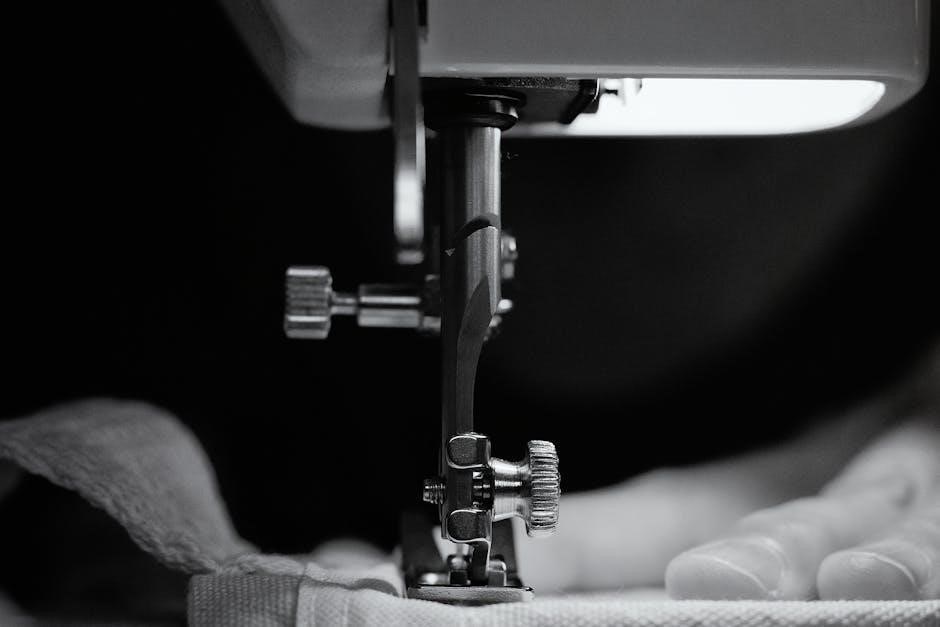
Understanding your Brother sewing machine begins with recognizing its core components. The power switch initiates operation, while the handwheel allows manual control. The spool pin securely holds the thread spool, guiding it to the tension discs. These discs regulate thread flow, crucial for stitch quality.
The take-up lever moves the thread, forming stitches, and the needle, of course, pierces the fabric. The presser foot holds fabric in place, and the feed dogs advance it during sewing. Don’t forget the bobbin case and cover, housing the lower thread. Familiarizing yourself with these key parts ensures efficient operation and maintenance.
The Bobbin System Explained
The bobbin system is vital for stitch formation in your Brother sewing machine. It consists of the bobbin itself, wound with lower thread, and the bobbin case, which holds it securely. Proper winding is essential; ensure even distribution without gaps.
The bobbin case regulates thread release, interacting with the upper thread to create the interlocking stitch. Different models may have top-loading or front-loading bobbin systems. Correct insertion and tension adjustment are crucial for avoiding issues like looping or thread nests. Regularly check and clean the bobbin area for lint and debris.
Needle and Presser Foot Details
Needles are crucial for stitch quality; Brother machines require specific types (universal, ballpoint, etc.) based on fabric. Size matters – finer fabrics need smaller needles, while heavier fabrics need larger ones. Ensure the needle is correctly inserted, with the flat side facing the back.
Presser feet control fabric movement. The standard foot is for general sewing, but various feet (zipper, buttonhole, etc.) expand capabilities. Proper attachment is vital. Adjust presser foot pressure for different fabrics to prevent slipping or puckering. Regularly inspect needles for damage and replace as needed;
Tension Control Mechanisms
Tension is vital for balanced stitches. Brother machines feature upper and lower tension controls. Incorrect tension causes looping or puckering. The upper tension dial adjusts thread tightness from the spool. Lower tension, controlled by the bobbin case, affects the underside of the fabric.
Start with the recommended settings in your manual. Test sew on scrap fabric and adjust the upper tension dial incrementally until stitches are even. Avoid extreme settings. Regularly check bobbin winding for consistent tension, as this impacts stitch quality significantly.
Setting Up Your Sewing Machine
Proper setup involves threading, bobbin winding, foot attachment, and stitch adjustments, ensuring optimal performance for various projects, as detailed in your manual.
Threading the Machine
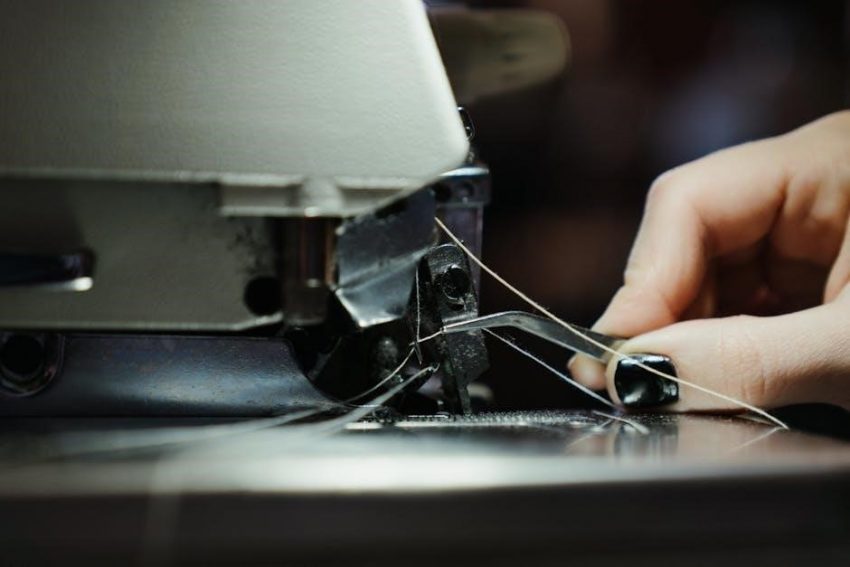
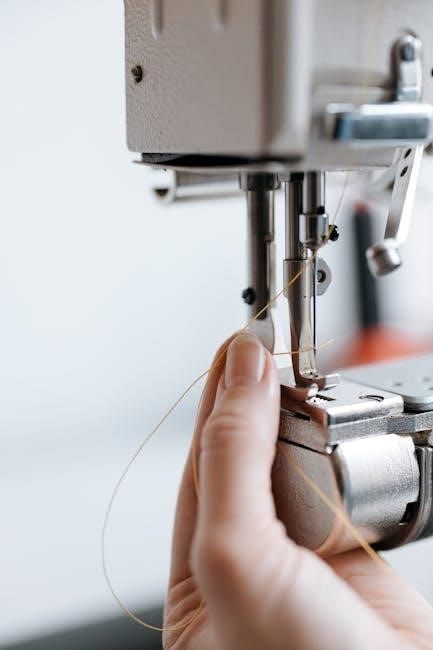
Threading your Brother sewing machine is a fundamental skill. Begin by raising the presser foot; this opens the tension discs, allowing the thread to seat correctly. Follow the numbered threading path illustrated in your manual, guiding the thread through each guide and tensioner. Ensure the thread is firmly inserted into the take-up lever and then down through the needle clamp.
Finally, thread the needle from front to back. Incorrect threading can cause skipped stitches or tension issues. Always refer to your specific model’s manual for precise diagrams and instructions, as threading paths can vary. A properly threaded machine is crucial for successful sewing.
Winding the Bobbin
Winding the bobbin correctly ensures smooth and consistent stitching. Place the thread spool on the spool pin and guide the thread through the thread guide. Then, thread the end through the bobbin winder tension disc. Attach the empty bobbin to the bobbin winder spindle and push it to the right to engage.
Hold the thread tail firmly while starting the machine slowly. Once a few wraps are on the bobbin, continue winding until full. Disengage the bobbin winder and trim the thread. Refer to your manual for specific instructions, as procedures may differ slightly between models.
Attaching the Presser Foot
Attaching the presser foot is a simple process crucial for selecting the right tool for your project. Lift the presser foot lever to raise the existing foot. Locate the screw holding the foot in place and loosen it with the appropriate screwdriver. Gently remove the current foot.
Align the new presser foot with the pins on the presser shank and push it firmly into place until it clicks. Tighten the screw securely, ensuring the foot is stable. The XM2701 comes with 6 included feet, offering versatility for various sewing tasks.
Adjusting Stitch Length and Width
Adjusting stitch length and width allows for customized sewing. Locate the stitch length dial, typically marked with measurements. Rotate it to select your desired length – shorter for delicate fabrics, longer for heavier materials. Similarly, find the stitch width dial and adjust for zigzag or decorative stitch variations.
The Brother XM2701 offers 27 stitches, benefiting from these adjustments. Experiment with settings on scrap fabric to achieve the perfect stitch for your project. Refer to your model’s manual for specific dial markings and recommended settings.
Basic Sewing Techniques
Mastering straight, zigzag, and backstitching is fundamental. Utilize seam allowances and guides for precision, crucial for all Brother sewing machine projects.
Straight Stitching
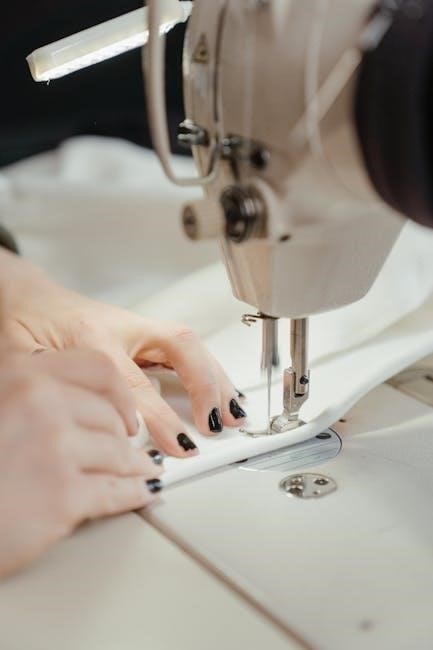
Straight stitching is the most basic and frequently used stitch on your Brother sewing machine. It’s ideal for constructing seams, topstitching, and basting. Ensure the presser foot is correctly attached and the thread is properly threaded before beginning. Select a suitable stitch length – a shorter length is best for delicate fabrics, while a longer length works well for heavier materials.
Practice maintaining a consistent seam allowance using the markings on your machine’s needle plate. Guide the fabric gently; avoid pulling or pushing it. For a clean finish, backstitch at the beginning and end of each seam to secure the stitches. Consistent practice will yield professional-looking results with your Brother machine.
Zigzag Stitching
Zigzag stitching offers versatility beyond a straight stitch, preventing fabric fraying and allowing for stretchable seams. On your Brother machine, select the zigzag stitch setting and adjust the stitch width and length according to your fabric and project needs. A narrower width is suitable for reinforcing edges, while a wider width creates decorative effects.
This stitch is excellent for knit fabrics, allowing the seam to stretch with the material. Practice on scrap fabric to determine the optimal settings. Use a zigzag foot for best results. Remember to backstitch at the beginning and end of each seam for secure stitching and a professional finish.
Backstitching
Backstitching is a crucial technique for securing the beginning and end of a seam, preventing unraveling. On your Brother sewing machine, utilize the backstitch lever or button. After stitching forward a few stitches, engage the backstitch function and sew backwards over those stitches for approximately half an inch.
Then, release the backstitch and continue sewing forward. Repeat this process at the end of your seam. Consistent backstitching ensures a durable and professionally finished product. Always test on scrap fabric to confirm the backstitch length is appropriate for your material and desired strength.
Seam Allowances and Guides
Seam allowance refers to the distance between the raw edge of the fabric and the stitch line. Common allowances are 1/4 inch, 3/8 inch, and 1/2 inch, dictated by your pattern. Your Brother machine features seam guides on the needle plate, assisting in maintaining consistent seam widths.
Utilize these markings by aligning the fabric edge with the desired guide while sewing. For precise results, consider using an adjustable seam guide foot, available as an accessory. Accurate seam allowances are vital for garment fit and overall project success.

Advanced Stitching Options
Brother machines offer decorative stitches, buttonholes, and zipper insertion capabilities. Some models simulate overlock stitches, expanding creative project possibilities with varied techniques.
Decorative Stitches
Brother sewing machines boast a diverse range of decorative stitches, extending beyond basic functionality to enable creative embellishments. These stitches, often exceeding 27 options on models like the XM2701, allow for personalized detailing on garments, home décor, and quilting projects.
Users can explore various patterns, including floral motifs, geometric designs, and scrollwork, to add unique textures and visual interest. The manual provides stitch charts illustrating each pattern and recommended applications. Experimentation with different thread colors and fabric types further enhances the decorative effect, allowing for truly customized creations. Mastering these stitches unlocks a new dimension of sewing possibilities.
Buttonhole Stitching
Brother sewing machines simplify buttonhole creation with automated features. The manual guides users through selecting the appropriate buttonhole foot and stitch setting, ensuring consistent results. Many models offer one-step buttonhole functionality, automatically sizing the buttonhole to fit the chosen button.
Precise button placement is crucial; the manual details how to align the button correctly for optimal stitching; Different buttonhole styles, such as keyhole and round, may be available depending on the machine model. Regular practice and adherence to the manual’s instructions guarantee professional-looking buttonholes every time, enhancing garment construction.
Zipper Insertion
Brother sewing machine manuals offer detailed guidance on zipper insertion, a technique often daunting for beginners. Specialized zipper feet are essential, and the manual illustrates their proper attachment and use. Step-by-step instructions cover centering the zipper, stitching close to the teeth, and creating a professional finish.
Different zipper types – standard, invisible, and decorative – require slightly varied approaches, all explained within the manual. Consistent seam allowances and careful backstitching at the beginning and end of each seam are emphasized. Mastering this skill elevates sewing projects, adding a polished and functional element.
Overlock/Serger Stitch Simulation
Brother sewing machine manuals detail how to simulate an overlock or serger stitch using a zigzag setting. While not a true serged edge, this technique provides a neat finish, preventing fabric fraying. Adjusting stitch width and length is crucial for achieving the desired coverage and appearance, as illustrated in the manual.
This method is particularly useful for machines lacking dedicated serger capabilities. The manual emphasizes using appropriate thread and tension settings for optimal results. It’s a cost-effective solution for finishing edges on garments and home décor projects, offering a professional look without specialized equipment.
Troubleshooting Common Issues
Brother sewing machine manuals offer solutions for thread breakage, needle issues, skipped stitches, and jamming, guiding users through effective repair steps.
Thread Breakage Problems
Frequent thread breakage with your Brother sewing machine can stem from several causes, as detailed in the owner’s manual. Incorrect threading is a primary culprit; ensure the thread path is clear and properly seated in all guides and the tension discs.
Using the wrong type of thread or needle for your fabric can also lead to breaks. A dull or damaged needle should be replaced immediately. Improper tension settings – too tight or too loose – are common issues. Refer to your manual for guidance on adjusting tension. Finally, ensure the bobbin is wound evenly and correctly inserted.
Needle Breakage Solutions
Needle breakage is a frustrating issue, but often preventable. Your Brother sewing machine manual emphasizes using the correct needle type and size for your fabric weight. Attempting to sew through overly thick material with a fine needle is a common cause.
Ensure the needle is fully inserted and correctly positioned. Avoid pulling or pushing the fabric while sewing, letting the machine feed it naturally. A bent or damaged needle must be replaced immediately. Incorrect threading or tension can also contribute to breakage. Always double-check these settings before starting a new project.
Skipped Stitch Diagnosis
Skipped stitches indicate a problem with the loop formation. Your Brother sewing machine manual highlights several potential causes. First, verify the needle is correctly inserted, the right type, and not bent or damaged. Incorrect threading of the upper thread or improper bobbin winding are frequent culprits.
Check the presser foot pressure; insufficient pressure can cause fabric slippage. Adjusting the tension is crucial – too loose or too tight can lead to skipped stitches. Ensure the machine is clean and lubricated, as buildup can interfere with proper function. Refer to your model’s specific instructions.
Machine Jamming and Repair
Machine jamming often occurs due to tangled thread, fabric caught in the bobbin area, or a build-up of lint. Always disconnect the power before attempting repairs; Consult your Brother sewing machine manual for specific disassembly instructions. Carefully remove the jammed fabric and thread, avoiding forceful pulling.
Inspect the bobbin case and surrounding areas for obstructions. Cleaning the machine thoroughly, especially the bobbin area, is vital. If the problem persists, a professional repair may be necessary. Avoid attempting complex repairs yourself, as this could void your warranty.
Maintenance and Care
Regular cleaning and lubrication, as detailed in your Brother manual, are crucial for optimal performance and longevity of your sewing machine.
Cleaning Your Sewing Machine
Consistent cleaning is vital for maintaining your Brother sewing machine’s performance. Always unplug the machine before beginning any cleaning procedures. Use a soft brush to remove lint and dust from the bobbin area, feed dogs, and around the needle plate. A small vacuum cleaner with a brush attachment can also be helpful.
Wipe down the exterior surfaces with a slightly damp cloth. Avoid using harsh chemicals or abrasive cleaners, as these can damage the machine’s finish. Pay attention to oiling points as outlined in your specific manual; cleaning often reveals areas needing lubrication. Regular upkeep prevents jams and ensures smooth operation.
Lubrication Procedures
Proper lubrication ensures the longevity and smooth operation of your Brother sewing machine. Refer to your specific model’s manual for designated oiling points – typically found around the bobbin area, hook, and motor components. Use only sewing machine oil; other lubricants can cause build-up and damage.
Apply oil sparingly, using a needle oiler for precision. Avoid over-oiling, as excess oil attracts dust and lint. After oiling, run the machine briefly to distribute the lubricant. Regular lubrication, combined with cleaning, prevents friction and wear, maintaining optimal performance and extending the machine’s lifespan.
Belt Replacement
Replacing the belt on your Brother sewing machine requires careful attention. First, disconnect the power! Consult your model’s manual for specific instructions, as procedures vary. Typically, access involves removing covers to reveal the belt and pulleys. Note the belt’s routing before removal for correct reinstallation.
Ensure the new belt is the correct size and type. Carefully position the new belt onto the pulleys, ensuring a snug fit. Reassemble the machine covers. A worn or broken belt prevents the machine from functioning; timely replacement restores operation. Always test after reassembly.
Storage Recommendations
Proper storage extends your Brother sewing machine’s lifespan. Always store it in a clean, dry environment, protected from dust and extreme temperatures; Utilize the dust cover included with your machine to prevent particle accumulation. If storing long-term, consider a padded case for added protection against impacts.
Disconnect the power cord and remove the bobbin before storage. Avoid storing in direct sunlight, which can damage plastic components. Periodically check the machine during storage for any signs of moisture or pest intrusion. Following these guidelines ensures your machine remains ready for your next project.
Accessing Brother Support & Resources
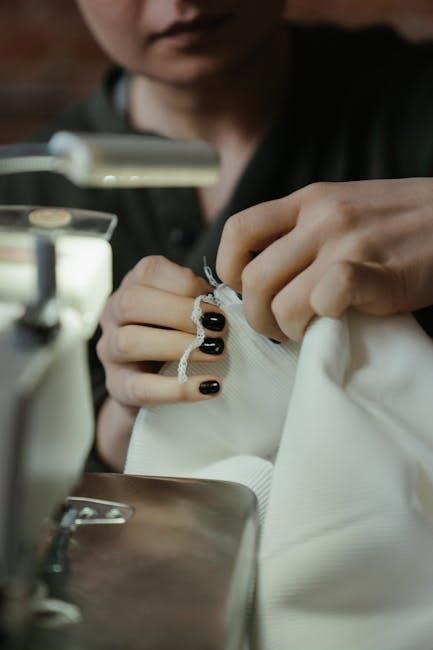
Brother offers extensive support via the Solutions Center, downloadable manuals, FAQs, and direct customer service contact options for all machine owners.
Brother Solutions Center
The Brother Solutions Center is a vital online resource for all Brother sewing machine owners. It provides a centralized hub for troubleshooting, frequently asked questions, and accessing a comprehensive library of manuals. Users can easily navigate the site to find specific information related to their machine model, including detailed instructions and helpful tips.
This center streamlines the support process, allowing users to quickly resolve common issues or locate the necessary documentation for more complex repairs. It’s the first place to visit when encountering problems or needing guidance with your Brother sewing machine. Access is readily available online, ensuring convenient support whenever needed.
Downloading Manuals Online
Brother makes accessing sewing machine manuals incredibly convenient through their online platform. A wide range of manuals, including those for the BAS-311, XM2701, and various industrial models, are readily available for download in PDF format.
Simply navigate to the Brother website, locate the Manuals section within the Brother Solutions Center, and search by model number. This allows owners to quickly obtain detailed instructions, troubleshooting guides, and parts lists for their specific machine. Digital access ensures you always have the latest information at your fingertips, eliminating the need for physical copies.
Frequently Asked Questions (FAQ)
Brother’s support resources include a comprehensive FAQ section addressing common user inquiries regarding their sewing machines. These questions cover topics like threading issues, stitch problems, and basic maintenance;
Users frequently ask about bobbin winding, needle selection, and troubleshooting error messages. The Brother Solutions Center provides answers to these questions, often accompanied by helpful diagrams and videos. Accessing this FAQ can quickly resolve minor issues without needing to contact customer service, saving time and ensuring a smoother sewing experience for all Brother machine owners.
Contacting Brother Customer Service
Brother offers multiple avenues for customers needing assistance with their sewing machines. The primary method is through the Brother Solutions Center, providing access to support articles and direct contact options.
Users can typically find phone numbers and email addresses for specific regions on the Brother website. Live chat support may also be available during business hours. When contacting support, having your machine’s model number readily available will expedite the process. Brother aims to provide efficient and helpful customer service to ensure user satisfaction with their products.
Specific Model Manuals (Available Online)
Brother provides downloadable manuals for models like BAS-311, XM2701, and BAS-411 series, alongside instructions for various industrial sewing machines.
BAS-311 Series Manuals
Brother offers a comprehensive collection of manuals specifically for the BAS-311 series industrial sewing machines. These resources include detailed instruction PDFs such as BAS-311A-INSTRUCTION.PDF, covering operational guidelines and maintenance procedures. Further documentation like BAS-311E_326E_326EL_341E_342E_343E_364E_366E_370E_375E_PROGRAMMER INSTRUCTIONS.PDF provides advanced programming details.
Separate manuals, like BAS-311H INSTRUCTION MANUAL.pdf, cater to specific model variations within the series. Users can also find focused guides like BAS-341E_342E_INSTRUCTIONS.PDF and BAS-341F, 342F INSTRUCTIONS.PDF for particular machine configurations, ensuring tailored support for their specific Brother equipment.
XM2701 Model Instructions
The Brother XM2701 sewing machine comes equipped with a full set of features and included accessories, detailed in its dedicated instructions. This lightweight machine is designed for both beginners and experienced users, offering 27 distinct stitches and six included presser feet. The manual guides users through versatile projects utilizing the free arm design.
Brother’s “At your side” support system accompanies the XM2701, providing assistance and resources. The manual details threading, bobbin winding, and stitch selection, ensuring a smooth sewing experience. Access to the manual and additional support is readily available online.
BAS-411 Series Manuals
Brother offers comprehensive manuals for the BAS-411 series industrial sewing machines, available as PDF downloads. These manuals – including BAS-411 and BAS-411 (2) versions – provide detailed programming instructions and operational guidance. Users can find instructions for various models like BAS-311E, 326E, 341E, and 364E within these resources.
The documentation covers essential aspects, from initial setup and threading to advanced functions and troubleshooting. Accessing these manuals ensures optimal performance and efficient operation of your BAS-411 series machine. Brother’s support center facilitates easy manual retrieval.
Other Industrial Model Manuals
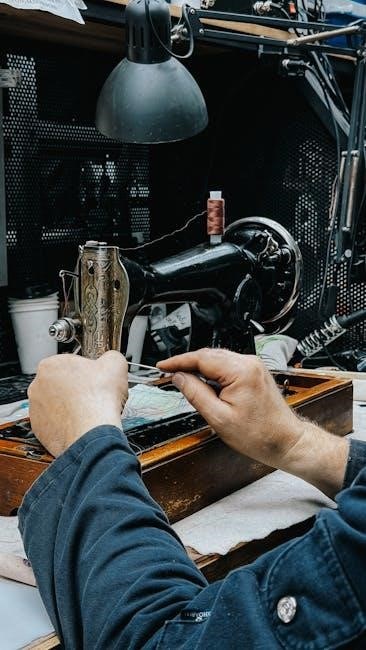
Brother provides a wide array of manuals for its diverse industrial sewing machine lineup. Beyond the BAS-411 series, resources are available for models like BAS-311A, BAS-311H, BAS-341E, BAS-342F, and BAS-343E. These downloadable PDFs offer detailed instructions for operation, maintenance, and troubleshooting.
Specific manuals cater to variations like the BAS-342G and BAS-364E, ensuring users have precise guidance for their specific machine. Brother’s commitment to support extends to providing readily accessible documentation, empowering users to maximize their machine’s potential and efficiency. Find these resources via the Brother Solutions Center.